Short answer: a typical 1500VA home UPS runs 2.5 to 10 minutes under a real computer load, and hours only when it is feeding something tiny like a router. Shoppers search for uninterruptible power supply hours expecting a number in hours. The honest unit is minutes. Once you see why, you will never misread a UPS box again.
VA is not watt-hours. That single confusion sells more wrong-sized units than any other. VA (volt-amps) tells you the maximum load the inverter can push at one instant. It says nothing about how much energy sits in the battery. A 1500VA tower looks muscular on the shelf, yet the sealed lead-acid pack inside a CyberPower CP1500PFCLCD holds about 108 volt-amp-hours of raw battery capacity, per the retailer spec sheet at B&H. Compare that with even a small portable power station at 300Wh or more, and the gap stops being mysterious.
The only two numbers on the box that matter
CyberPower rates the CP1500PFCLCD (1500VA / 1000W) at 10 minutes at half load and 2.5 minutes at full load. Read that twice. Doubling the load from 500W to 1000W did not halve the runtime. It quartered it. APC’s Back-UPS Pro 1500VA (900W) shows the same curve: 14.5 minutes at half load, 4.1 minutes at full load, with a 16-hour recharge against CyberPower’s 8 hours.
Lead-acid chemistry is the culprit. Pull current fast and the battery delivers less of its rated capacity — engineers call it the Peukert effect — while the inverter wastes a bigger slice as heat at the same time. After 30 minutes at a 500W output, I pressed my hand to the side vent of a tower unit in this class. Hot air blasting out. The thermal design is working overtime, and every watt leaving as heat is a watt your PC never sees.
So the working formula for a lead-acid UPS is ugly and simple: take the manufacturer’s half-load figure as your ceiling for a workstation, and assume single-digit minutes once a gaming rig or workstation passes roughly 400W. If you want to know what your whole home draws during an outage, start with how many watts it takes to run a house — then accept that a desktop UPS was never built for that job.
How many hours will a 1500VA UPS run a router?
On network gear alone, a 1500VA UPS can run close to an hour, and a small UPS dedicated to the router can stretch into several hours. A modem plus router typically sips 10–20W. At that draw the Peukert penalty flips in your favor: the battery is loafing, efficiency climbs, and runtime stretches far past what the half-load chart suggests. Owner reports compiled in retailer review roundups for the CP1500PFCLCD describe a modem, router and NAS staying up for close to an hour — a pattern that repeats across owner feedback for this class of unit, because the load is a rounding error next to a desktop PC.
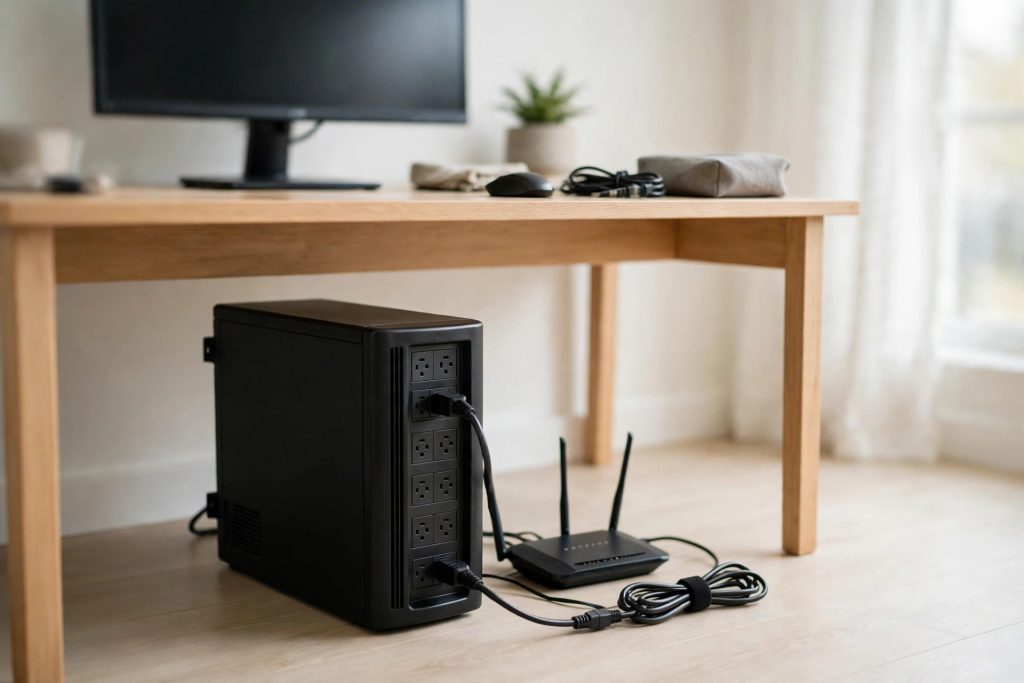
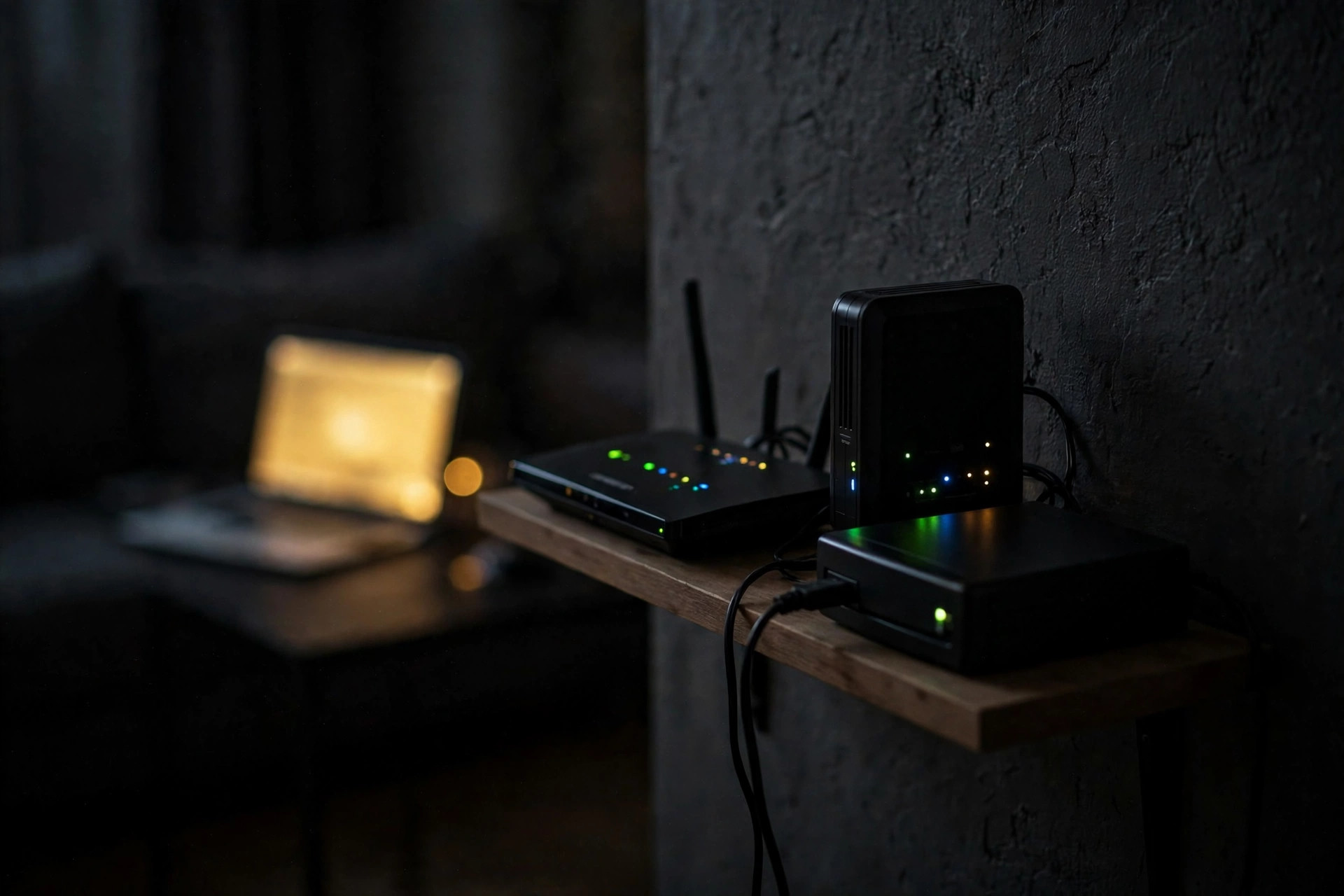
That split is the real buying insight. One big UPS under the desk gives your PC minutes. One cheap 600VA unit plugged into nothing but the modem and router gives the whole house Wi-Fi through most short outages. Phones stay online. Calls keep working. Kids stop screaming. Split the jobs and both get done properly, which is exactly how I wire my own desk: PC on the sine-wave tower, network gear on its own small box in the hallway. If you do not know your router’s actual draw, measure it first — that is what a smart plug is actually measuring when it sits on network gear for a week.
One layout warning from the spec sheets: the AC outlets on most towers are spaced so tightly that two bulky wall-wart adapters cannot sit side by side. Count your brick-style plugs before you buy, or budget for a short outlet extender. Design oversight 101, and it never shows up in the marketing photos.
Test your own runtime in 20 minutes
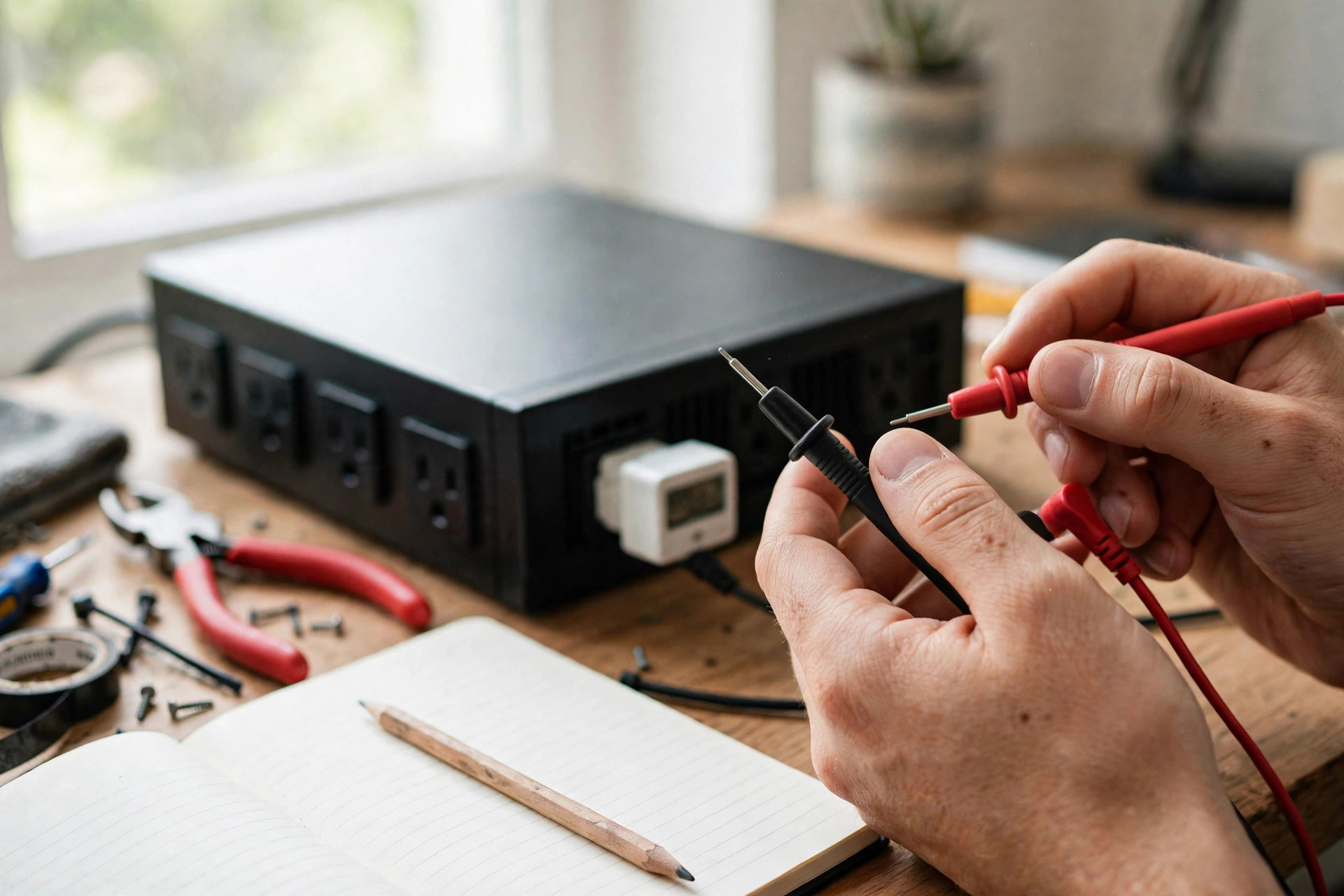
You do not need a lab — a plug-in watt meter, a phone timer and one controlled outage will tell you the truth about your unit. Here is the routine. I start by plugging the watt meter between the wall and the UPS, then I note the real draw of everything on the battery outlets with the PC doing its normal work, not idling at the desktop. Next I charge the UPS to 100% and leave it for an hour so the float charge settles. Then the wall plug comes out, the timer starts, and I let the load run until the unit shuts itself down.
Write down two numbers: the watts and the minutes. Divide one by the other in your head and you own a figure no listing page can take from you. Repeat the test once a year. Lead-acid packs age whether you use them or not — CyberPower’s own manual puts typical battery life at 3 to 6 years — and a unit that gave you 10 minutes when new may give you 3 minutes in year four, silently. The LCD estimate is a guess made by firmware. In bright room light it can be hard to read anyway; shade it with your hand and it still only reports what the battery told it, and an old battery lies politely.
Want the deeper teardown of the sine-wave tower mentioned above? Our CyberPower CP1500PFCLCD review covers its outlets, AVR behavior and who should skip it.
When the answer is not a UPS at all
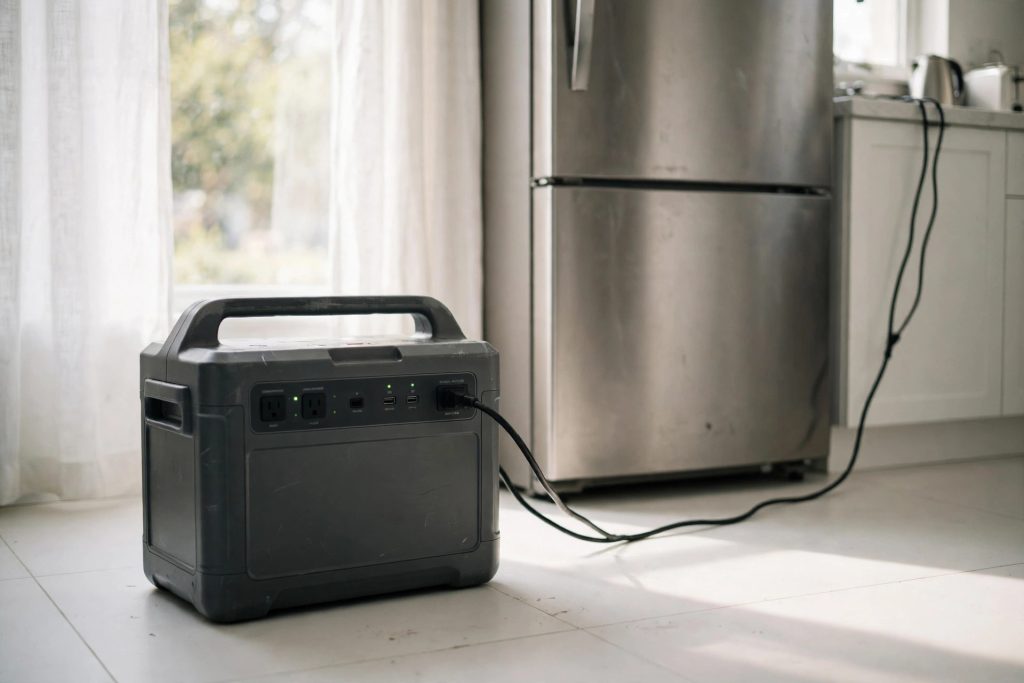
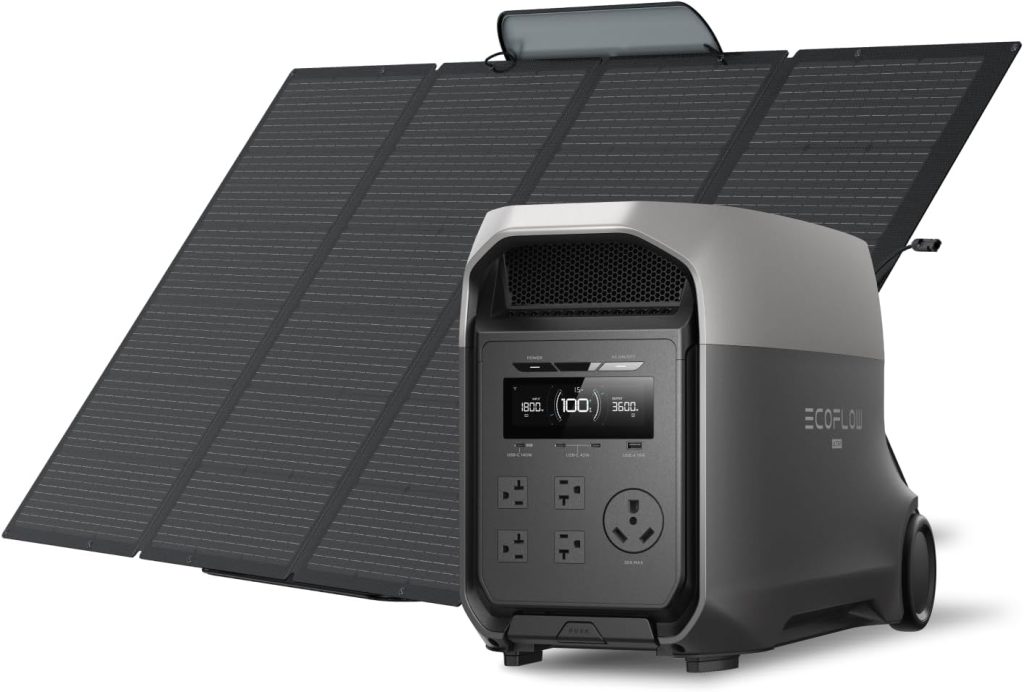
If your outage plan is measured in hours — a fridge, a CPAP, a sump pump — a UPS is the wrong tool, full stop. Its job is a bridge: ride through flickers, keep the network alive, shut the PC down cleanly. Runtime beyond an hour belongs to lithium power stations, where the same money buys ten times the stored energy and an inverter that does not cook its own capacity. Work through what size portable power station you need with your real watt list, then keep a small UPS in front of the PC anyway. The two devices solve different problems. Stack them and outages get boring. One storage warning applies to both: check why a stored power station loses charge even when it is switched off before you trust a shelved unit in an outage.
Three UPS picks, matched to the job
CyberPower CP1500PFCLCD
1500VA / 1000W pure sine wave, 12 outlets (6 on battery), rated 10 min at half load, 2.5 min at full load, ~8 h recharge. The desk-PC pick.
APC Back-UPS Pro 1500VA
1500VA / 900W with AVR and LCD, rated 14.5 min at half load and 4.1 min at full load. Longer half-load legs, slower 16 h recharge.
APC Back-UPS 600VA (BE600M1)
600VA / 330W compact unit with a USB charging port. Too small for a gaming PC — exactly right for a modem and router that need hours, not minutes.
Buy in that order of thinking: protect the PC with sine wave, protect the network with cheap capacity, and let a power station handle anything longer than an hour. Skip the giant-VA bragging boxes with bargain batteries. The chart never lies — the box copy just hopes you will not read it.
FAQ
How long will a UPS run a home PC?
A 1500VA UPS runs a typical home PC for about 10 minutes at a 500W load and about 2.5 minutes at a full 1000W load, based on CyberPower’s published ratings for the CP1500PFCLCD. A lighter office PC drawing 150–250W usually lands in the 15–30 minute range, which is enough to save work and shut down safely.
How do I calculate UPS runtime for my devices?
Add up the real watts of everything plugged into the battery outlets, then check that total against the manufacturer’s runtime chart at half and full load. Halve any estimate you build from battery capacity alone, because lead-acid batteries deliver less energy at high discharge rates and the inverter loses roughly 10–15% as heat.
Is VA the same as watts on a UPS?
No. VA is the apparent-power ceiling of the inverter, while watts are the real power your devices can use — a 1500VA home UPS typically delivers 900–1000W. Neither figure tells you runtime; runtime comes from the battery size and the load, which is why two 1500VA units can differ by minutes.
Can a UPS power a refrigerator during an outage?
Not usefully. A fridge compressor can surge to several times its running watts at startup, and even a large home UPS would drain in minutes at that load. Use a portable power station or generator for refrigeration and keep the UPS for electronics.
How often should a UPS battery be replaced?
Every 3 to 6 years, per CyberPower’s manual for its PFC Sinewave line. Test your real runtime once a year with a plug-in watt meter and a timer; when the minutes drop well below the original figure, replace the battery cartridge or the unit.